Your AI Headshot Looks Perfect. But Does It Still Look Like You?

Paul Staske
Professional Photographer

What You'll Learn
AI can place you inside a polished office, tailor a jacket you have never owned, perfect your skin and produce dozens of professional-looking headshots before you have finished your coffee.
The results can be impressive.
They can also create an uncomfortable question:
If the photograph looks professional but no longer looks quite like you, is it doing its job?
A headshot is not merely decoration. It often appears before a job interview, client call, speaking engagement, sales conversation or first in-person meeting. It quietly tells the viewer, "This is the person you are about to meet."
That promise matters.
An AI headshot does not become useless simply because artificial intelligence helped create it. Some results are recognizable and appropriate. Others introduce small changes that make the person look more polished, younger, slimmer, more symmetrical or simply different.
The problem is not that the photograph looks good. The problem begins when perfection replaces recognition.
The Short Answer
An AI headshot may work when you need a temporary, low-risk profile image and the result still represents your current appearance accurately.
A real professional headshot becomes more important when:
- Clients need to recognize you
- Your face is closely connected to your business
- You work in a trust-based profession
- The photograph will represent a company or leadership role
- You speak publicly
- Your image will appear across several professional platforms
- Your team needs visual consistency
- You want expressions and body language shaped during a real interaction
- You need photographs for more than a small profile circle
Before using any AI-generated headshot, compare it closely with how you look today, not with how you wish the software had photographed you.
A Headshot Is an Identity Promise
A professional headshot has two jobs.
First, it should present you intentionally. Lighting, expression, clothing, background and composition should support the way you want to appear professionally.
Second, it should remain recognizable.
The first job is about presentation. The second is about identity.
A photograph can be technically beautiful and still fail if coworkers, clients or event attendees struggle to connect it with the person standing in front of them.
This does not mean a headshot must reproduce every temporary blemish or tired expression. Professional photography has always involved decisions about lighting, angle, color and retouching.
The difference is that those decisions normally begin with the real person in front of the camera.
With generative AI, the software may construct details that were not photographed during an actual headshot session. The result may resemble you while also becoming an imagined version of you.
That difference is easy to dismiss when reviewing individual images. It can become more noticeable when the photograph appears beside your real face during a video call, conference or client meeting.
Why AI Headshots Can Look So Convincing
AI-headshot tools usually begin with photographs supplied by the user. The system studies visible patterns connected to the face and appearance, then generates new portraits rather than simply changing the background of one existing photograph.
That is why the output can show:
- Clothing you did not wear
- Lighting that was never photographed
- A location you never visited
- A different camera angle
- A modified hairstyle
- A changed facial expression
- A more polished version of your skin
- A body position that was never captured
This ability is what makes the technology attractive. You can receive visual variety without planning clothing, traveling to a studio or standing in front of a camera.
But generation is not the same as documentation.
The software is producing a plausible professional portrait based on the information it received. It is not remembering what happened during a real photography session.
Sometimes that distinction barely matters. Sometimes it changes the very details that make someone recognizable.
Where an AI Headshot Can Drift Away From You
The most obvious AI mistakes are easy to reject. A distorted hand, mismatched earring or impossible background will probably never become someone's LinkedIn photograph.
The more difficult problems are subtle.
Look closely at:
- Eye shape and spacing
- Smile and teeth
- Jawline
- Hairline
- Skin texture
- Ears
- Glasses
- Facial hair
- Moles, scars and other identifying features
- Age
- Body proportions
- Clothing fit
- Jewelry
- The relationship between the head and shoulders
Each detail may appear believable on its own. Together, they may create a person who feels similar to you without being completely accurate.
An image can also miss the way you naturally communicate.
Someone may have a warm, energetic presence in person but receive an AI headshot with a distant expression. Another person may want calm authority but receive a broad, unfamiliar smile.
Expression is not a technical accessory. It influences how the viewer interprets the person.
During a real session, the photographer can notice these differences, respond to the person and adjust direction. An AI generator works only with the visual information and instructions it receives.
Perfect Can Be the Problem
Many professionals assume their headshot should make them look as polished as possible.
Polish is useful. Perfection can create distance.
If the software removes every line, changes the shape of your face, replaces your real hair texture and gives you a body or wardrobe that does not belong to you, the result may look impressive while feeling strangely anonymous.
It may also set the wrong expectation.
A person seeing your photograph before a meeting is not comparing you with a model or celebrity. They are using the image to understand who they will meet.
A slightly imperfect but accurate photograph may do that job better than a flawless image of someone who only partly exists.
This is not an argument against flattering photography. Good lighting, thoughtful posing and careful retouching can help someone look rested, confident and professional.
The question is whether those choices still preserve the person.
When an AI Headshot May Be Useful
AI headshots are not automatically the wrong choice.
They may be useful when:
- You need a temporary internal profile image
- Your current photograph is extremely outdated
- You are testing clothing or background directions before a real session
- You need a low-risk placeholder
- The image will appear only at a very small size
- You carefully review the result for accuracy
- A professional session is not currently practical
- The use does not depend heavily on personal recognition
Even in these situations, select the most accurate image rather than the most glamorous one.
Do not choose an output simply because it gives you the most dramatic jawline, expensive-looking office or perfectly tailored clothing. Ask whether it matches how you actually present yourself.
An AI image can solve an immediate visual problem. That does not necessarily make it the best long-term representation of your professional identity.
When a Real Professional Headshot Matters More
A real headshot session becomes more valuable when the photograph carries more responsibility.
Consider professional photography when the image will be used for:
- A company leadership profile
- A client-facing role
- A professional-services website
- Speaking engagements
- Conference materials
- Media appearances
- Book or article biographies
- Real estate or financial-services profiles
- Medical, legal or consulting work
- Sales and relationship-building
- Public-facing nonprofit or community leadership
- A consistent company team page
- Personal-branding content
- Printed marketing materials
These situations often depend on recognition and credibility.
A real session also gives the photographer something AI does not have: the person's presence in the room.
The photographer can notice how someone naturally smiles, when an expression feels forced, how posture changes during conversation and what type of direction helps the person relax.
That interaction is part of the photograph.
You can explore the professional headshot experience near Champaign to learn how a real session is planned.
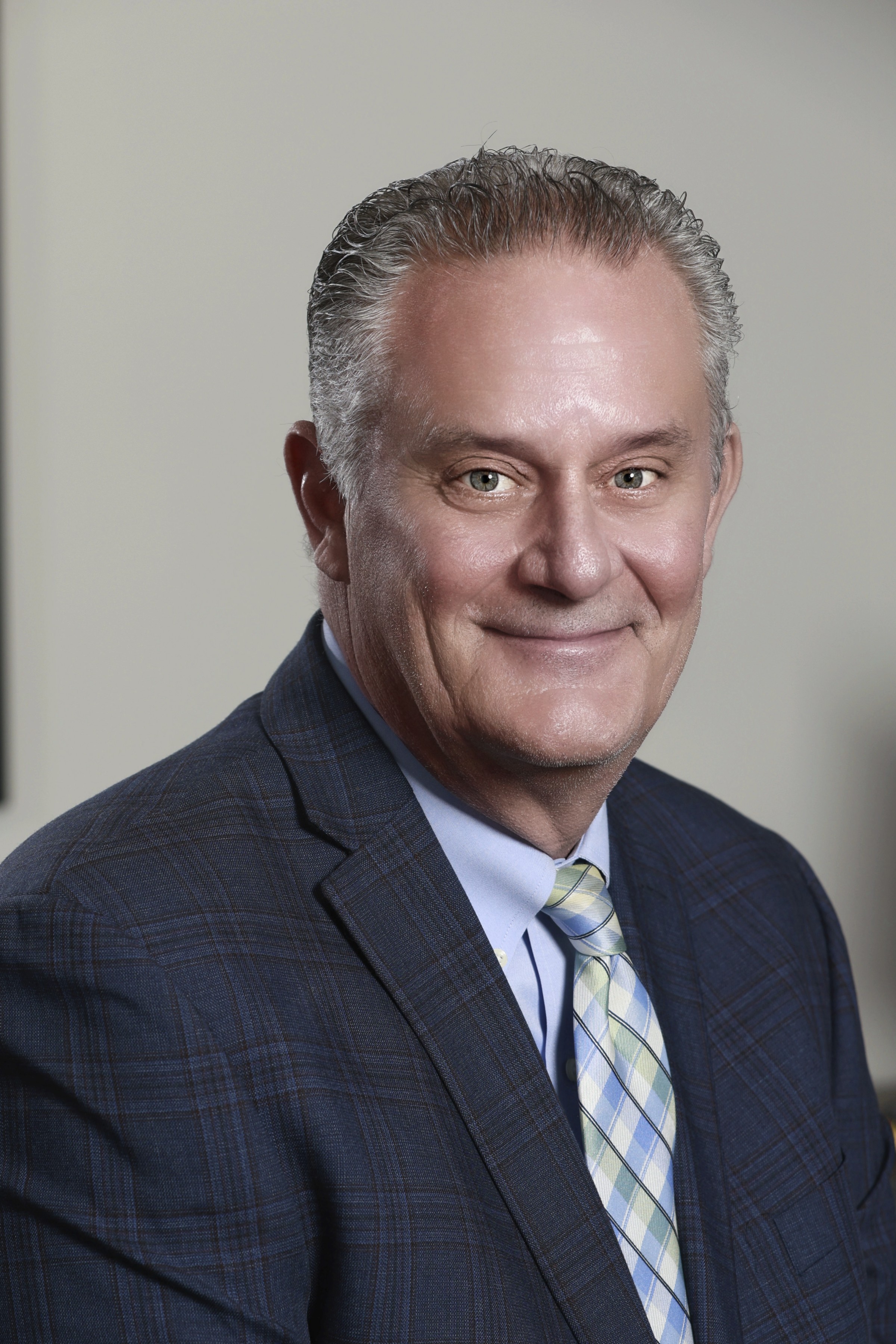
AI Headshots and Professional Photography Compared
| Consideration | AI-generated headshot | Professional headshot session |
|---|---|---|
| Starting material | Existing selfies or uploaded photographs | The person photographed during an actual session |
| Identity accuracy | May preserve or alter recognizable details | Begins with the person's real current appearance |
| Expression | Generated from existing visual information | Directed and adjusted during real interaction |
| Clothing and setting | May be entirely generated | Planned, selected and photographed intentionally |
| Speed | Can produce options quickly | Requires consultation, scheduling and photography |
| Visual control | Depends on the tool, source images and generated output | Lighting, posing, framing and expression are shaped during the session |
| Consistency | Individual outputs may vary | A coordinated set can be created during one planned experience |
| Privacy questions | Requires uploading photographs to a third-party system | Depends on the photographer's documented privacy and image-handling process |
| Best use | Temporary or lower-risk use when the image remains accurate | Public, client-facing and long-term professional representation |
These are general differences. AI platforms and professional photographers do not all use the same process, privacy practices or quality standards.
Retouching Is Not the Same as Generating
Professional photographs may still be retouched.
Common adjustments can include:
- Color correction
- Exposure balancing
- Temporary blemish reduction
- Flyaway-hair cleanup
- Background refinements
- Minor clothing corrections
- Careful skin work
Retouching begins with a photograph created during a real session. Generative AI can construct a new image, including details that were never photographed.
That does not make all retouching honest and all generation dishonest. Either can be overused.
The useful question is:
Does the finished portrait still represent the person accurately?
Before a professional session, clients can discuss how polished or natural they want the final images to feel. A photographer's existing portfolio should also provide a realistic example of the normal editing style.
For detailed preparation guidance, read our complete guide on how to prepare for a professional headshot.
The Privacy Question Most People Skip
Creating an AI headshot usually requires uploading several personal photographs to an online service.
Before uploading, review the specific provider's current terms and privacy information.
Questions to consider include:
- How long are uploaded photographs retained?
- Can you request deletion?
- Are uploads used to improve or train systems?
- Are generated images stored?
- Who may process or access the files?
- Are images shared with outside service providers?
- What account controls are available?
- What happens to the photographs after account deletion?
- Does the provider explain security practices?
- Are commercial-use rights clearly described?
Do not assume the answers are the same across services.
This article must not accuse any provider of misuse. It should encourage readers to understand the agreement before submitting personal photographs.
Professional photographers should also explain their own image handling and sharing practices. Privacy questions are valid regardless of whether the images are created through AI or a camera.
How to Check Your AI Headshot Before Using It
Before publishing an AI-generated headshot, compare it with several recent photographs of yourself and ask:
- Does the face look like me today?
- Are my eyes, teeth, hairline and facial shape accurate?
- Has my apparent age changed significantly?
- Does the expression feel natural for me?
- Would a colleague immediately recognize me?
- Does the clothing represent something I would realistically wear?
- Is the background believable and appropriate?
- Are glasses, earrings and other details consistent?
- Are any identifying features missing or changed?
- Does the image create an expectation I cannot match in person?
- Have I reviewed the provider's privacy and usage terms?
- Would I feel comfortable using this photograph for an important client introduction?
If several answers make you hesitate, the most visually impressive image may not be the best one to use.
Quick Tip: Review an AI headshot at profile-picture size and full-screen size.
Small distortions may disappear inside a LinkedIn circle but become obvious on a company website, speaker page or printed biography.
Your Headshot Has to Work in More Than One Place
A LinkedIn profile image is often displayed as a small circle. A company website may show the same photograph much larger. A speaker biography may require a vertical crop, while a presentation or article may need a horizontal composition.
One AI-generated image may appear acceptable in one setting and less convincing in another.
Professional photography can plan for multiple uses:
- Square profile crops
- Vertical portraits
- Horizontal website layouts
- Team-page consistency
- Speaker biographies
- Email signatures
- Press materials
- Personal-branding content
Do not claim that every Staske headshot package includes every format or image type. Present these as planning considerations that should be discussed during the Complimentary Portrait Consultation.
For readers who need more than a primary headshot, learn about the difference between headshots and personal branding photography.
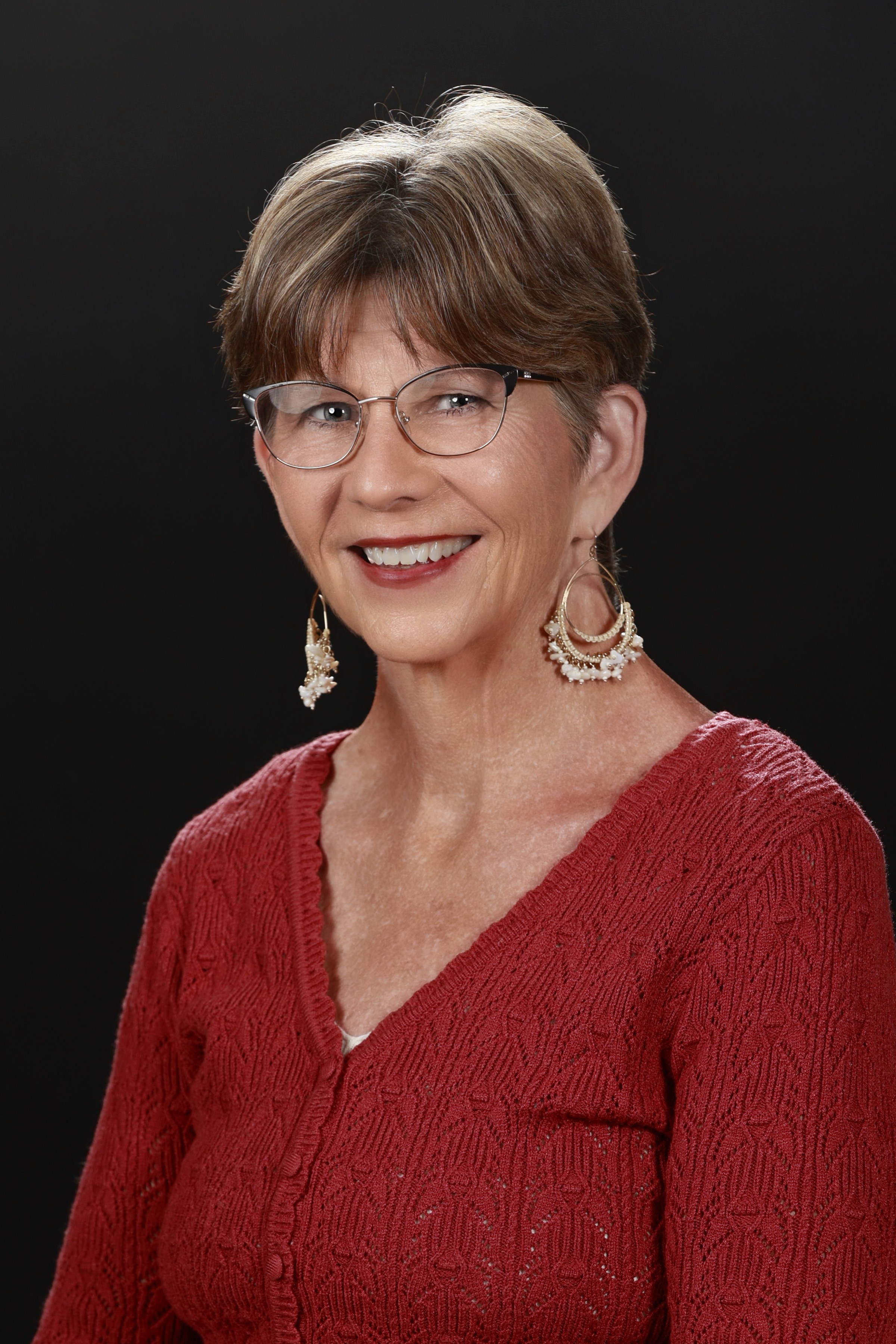
The Staske Professional Headshot Experience
The Staske Photography process begins with understanding where the photographs will appear and what they need to communicate.
Roberta helps clients discuss the intended uses, clothing, visual direction and desired professional impression.
During the photography session, Paul guides lighting, posing, posture and expression. Clients do not need to arrive knowing how to pose or manufacture a camera-ready expression.
The advantage of a real session is not simply better equipment. It is the ability to observe the person, respond in the moment and create a portrait that feels polished without replacing their identity.
After the photography session, clients have the opportunity to view their photographs and select the images that best support their needs.
You can also explore the Staske Photography studio in Savoy, Illinois, near Champaign, before arranging your consultation.
Frequently Asked Questions
The Best Headshot Is Not the Most Perfect One
A useful professional headshot should look polished, intentional and appropriate for where it will appear.
It should also look like you.
AI can create an impressive image quickly. For some temporary or lower-risk uses, that may be enough. But when the photograph represents your leadership, expertise, reputation or client relationships, accuracy matters alongside appearance.
The goal is not to preserve every imperfect detail or reject every new technology. The goal is to avoid replacing your professional identity with a more photogenic stranger.
Before using an AI headshot, ask whether the person in the image is still the person others will meet.
If the answer is uncertain, perfection may be the problem.
The Eyes See What the Heart Feels.
Headshot Outfit Color Matcher
Select your industry and skin tone to generate photogenic wardrobe color recommendations for your studio or location headshots.
Recommended Palette for Corporate, Legal & Finance
Establishes authority, trustworthiness, and executive polish. Click colors you like to star them for your planning list.
Deep Navy Blue
Suits / Jackets / DressesCommunicates trust, stability, and high credibility on camera.
Charcoal Gray
Blazers / SuitsModern alternative to black; photographs with excellent depth without harsh shadows.
Rich Burgundy / Wine
Blouses / Ties / Accent LayersAdds warmth and distinction while maintaining executive elegance.
Soft Ivory / Cream
Shirts / Tops under BlazersSofter under studio lighting than stark white.
Recommended Accents & Layers
Camera & Studio Cautions
- Pure Bright Neon
- High-contrast geometric prints
- Tiny dense stripes (causes camera moiré)
Staske Photography Tip: Layer a dark jacket over a lighter top for instant visual structure. Bring 2-3 outfit variations to your session so Roberta and Paul can test backdrop tones together with you in the studio.
Ready to test your outfit choices with expert studio lighting?
Bring your favorite options to your complimentary headshot consultation.
Download the Staske Headshot Preparation Guide
Get our complete printable checklist covering outfit colors, grooming timelines, camera-ready tips, and what to bring to your session.
Paul Staske
Professional Photographer
Responsible for photography, lighting, posing, and image creation. Roberta and Paul are dedicated to creating a luxury photography experience that celebrates your unique story through timeless imagery.
Does Your Current Headshot Still Represent You?
Talk with Roberta about where your professional photograph will appear, what it needs to communicate and whether a new headshot or personal-branding session fits your goals.
Schedule a Complimentary Portrait Consultation

